Rewrap turns any picture into a wrap sized exactly for Tesla's Paint Shop. Place a photo on every panel, add text or a logo, save, and upload it from the Tesla app.
Free to design. Your first wrap saves free. No account, no subscription.
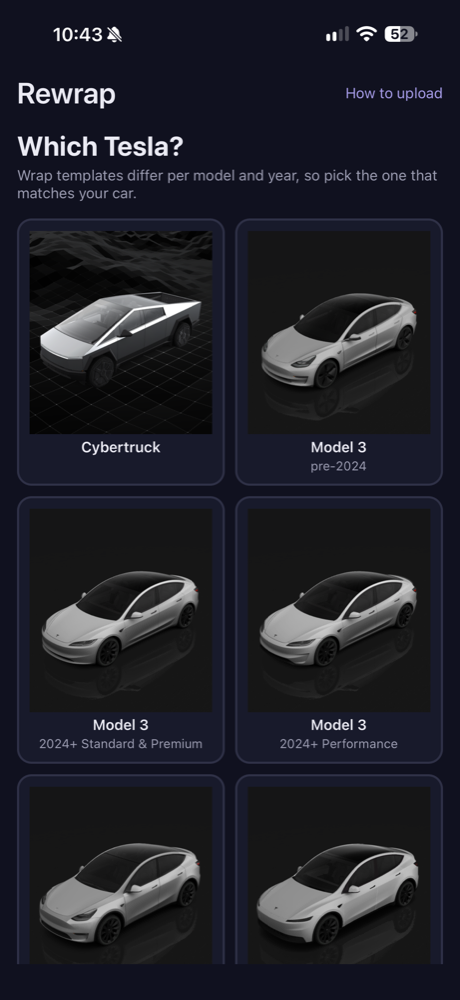
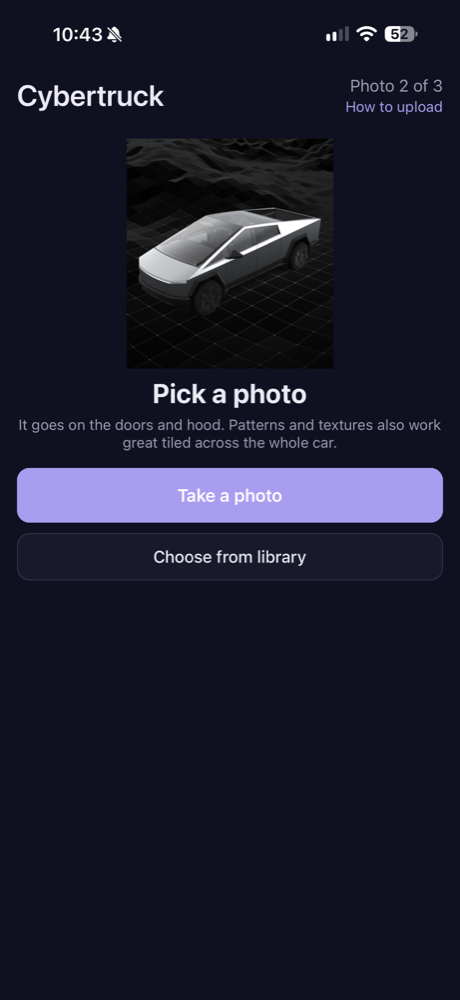
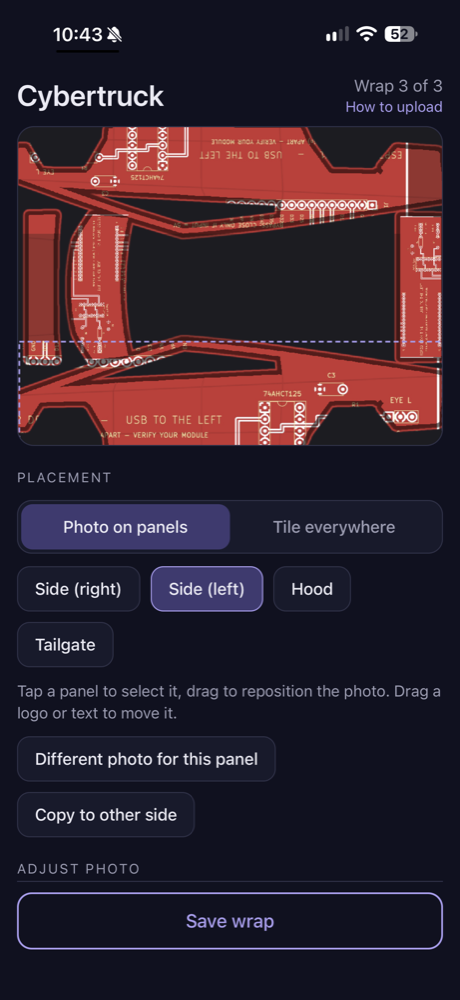
No templates to download, no image editor, no guessing at sizes. Rewrap already knows the exact layout Tesla expects for each model.
Model 3, Model Y, Model S, Model X, or Cybertruck, including the different template years.
Snap one or pick from your library. Use one photo for the whole car, or a different one per panel.
Drag to reposition, mirror one side to the other, add your name or a logo, or switch to stripes and gradients.
Save to Photos, then Tesla app → Creations → Wrap → Upload. Apply it in the car under Toybox → Paint Shop.
Every panel is a first-class thing you can tap and edit. The output is a PNG that meets Tesla's size and file limits, every time.
Doors, hood, bumpers, trunk. Give each its own image or copy one side to the other in a tap.
Drop your name, a number, or a transparent PNG logo on any panel. Drag to place, resize, rotate.
Brightness, contrast, saturation, and hue per panel. Or skip the photo and go with stripes, splits, checkers, or a gradient.
Exported at Tesla's resolution and under the 1 MB limit, named so it uploads without fuss.
Not sure which way a panel faces on your car? Export a numbered test wrap once and see exactly how each panel maps.

Templates match Tesla's own layouts per model and year, so what you see in Rewrap is what lands on the car's screen.
No account. No subscription. Nothing leaves your phone except the purchase itself.
Available now for iPhone. Purchases are handled by Apple.
The Tesla app 4.59 or newer on your phone, and a car whose Toybox → Paint Shop has a Wraps tab. If the tab isn't there yet, install the latest vehicle software update.
No. It changes the car's on-screen visualization, the 3-D car you see on the touchscreen and in the Tesla app.
No. Rewrap builds the wrap on your phone. The only thing that leaves the device is the App Store purchase, handled by Apple. See the privacy policy.
Tesla's templates orient each panel differently. Use Advanced → Create calibration wrap in Rewrap; it numbers every panel with an arrow so you can rotate or mirror the right one.
Ten uploaded wraps. Delete an old one from the Wraps tab if a new upload doesn't appear.